Introduction
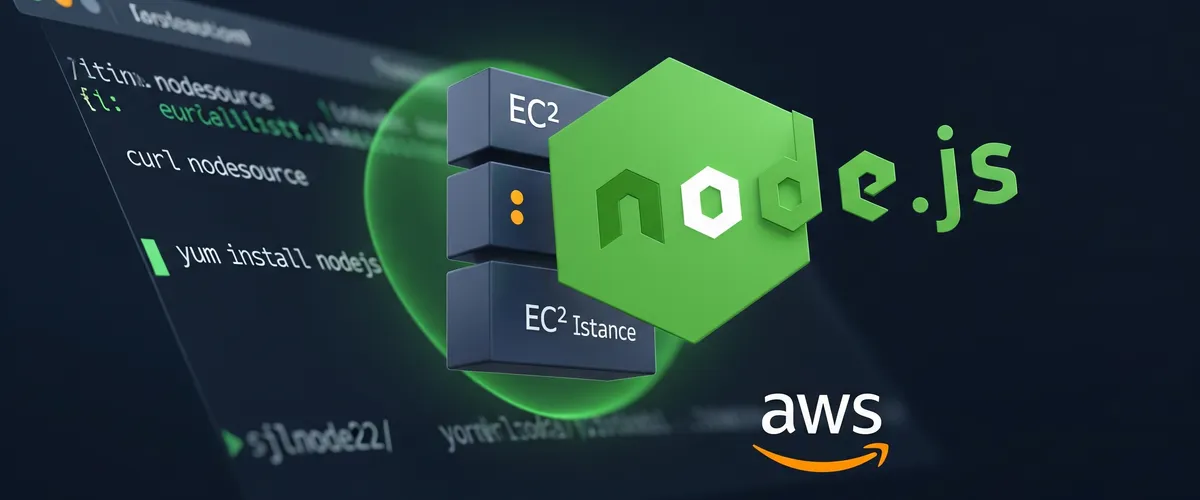
Node.js does not exist in the default Amazon Linux 2 repository. So, we need to add the Node.js repository to the system. In this post, we will learn how to install and configure Node.js on EC2 Instance Amazon Linux 2.
Prerequisites
- AWS Account
- EC2 Instance Amazon Linux 2
- SSH Client
Step 1: update the system packages and install the dependency packages
First, we need to update the system packages and install the dependency packages.
# Update the system packagessudo yum update -y
# Install dependencies packagessudo yum install gcc-c++ make -yStep 2: add the Node.js repository
Node.js is not in the default repository, so before we can install it on our EC2 instance we need to add the Node.js repository to the system. Pick the version you want and run the matching command:
# Install Node.js repository 14.xcurl -sL https://rpm.nodesource.com/setup_14.x | sudo bash -
# Install Node.js repository 16.xcurl -sL https://rpm.nodesource.com/setup_16.x | sudo bash -
# Install Node.js repository 17.xcurl -sL https://rpm.nodesource.com/setup_17.x | sudo bash -
# Install Node.js repository 18.xcurl -sL https://rpm.nodesource.com/setup_18.x | sudo bash -Step 3: install Node.js
After choosing the Node.js version, we need to install Node.js on our EC2 instance. To do that, we need to run the following command:
# update the systemsudo yum update -y
# Install Node.jssudo yum install nodejs -yStep 4: check the Node.js version
After installing Node.js, we need to check the Node.js version. To do that, we need to run the following command:
node -vOutput depends on the Node.js version that you choose.
# Node.js 14.xv14.18.1
# Node.js 16.xv16.13.0
# Node.js 17.xv17.0.1
# Node.js 18.xv18.0.0Conclusion
In this post, we learned how to install and configure Node.js on EC2 Instance Amazon Linux 2. We learned how to add the Node.js repository to the system and install Node.js on our EC2 instance.
References
- Node.js Official Website
- NodeSource Node.js Binary Distributions
- Installing Node.js via package manager - NodeSource
- Amazon EC2 User Guide for Linux Instances
- Amazon Linux 2 AMI FAQs
- Connect to your Linux instance using SSH
- Managing software on your Linux instance
- Red Hat Enterprise Linux (RHEL) and CentOS
yumcommand cheat sheet (Amazon Linux is RHEL-based) - cURL Manual
- Bash Manual